
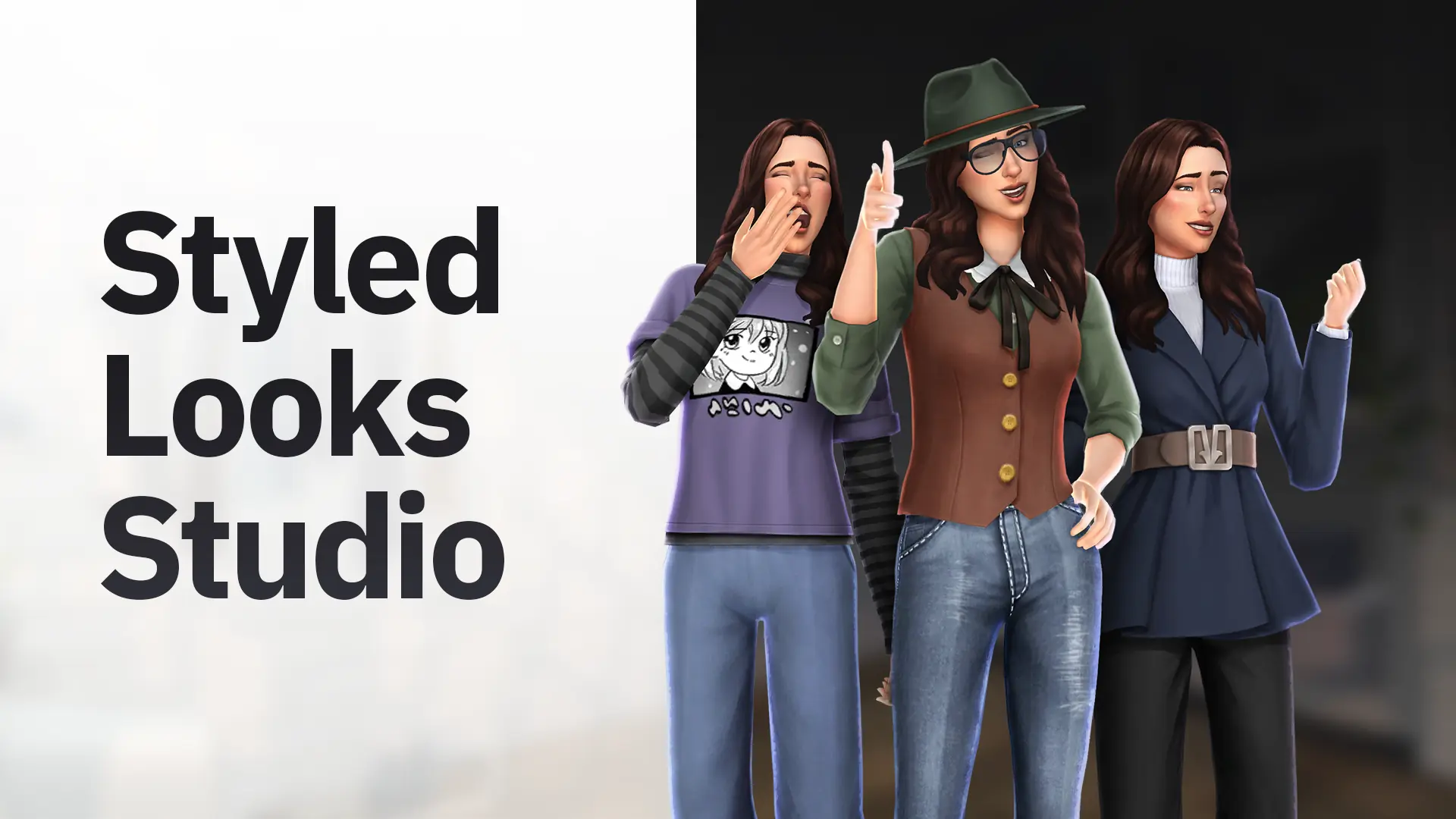
Styled Looks Studio
An effortless way to turn your CAS outfits into custom Styled Looks. Import, customize the details, and export a game-ready package in seconds.
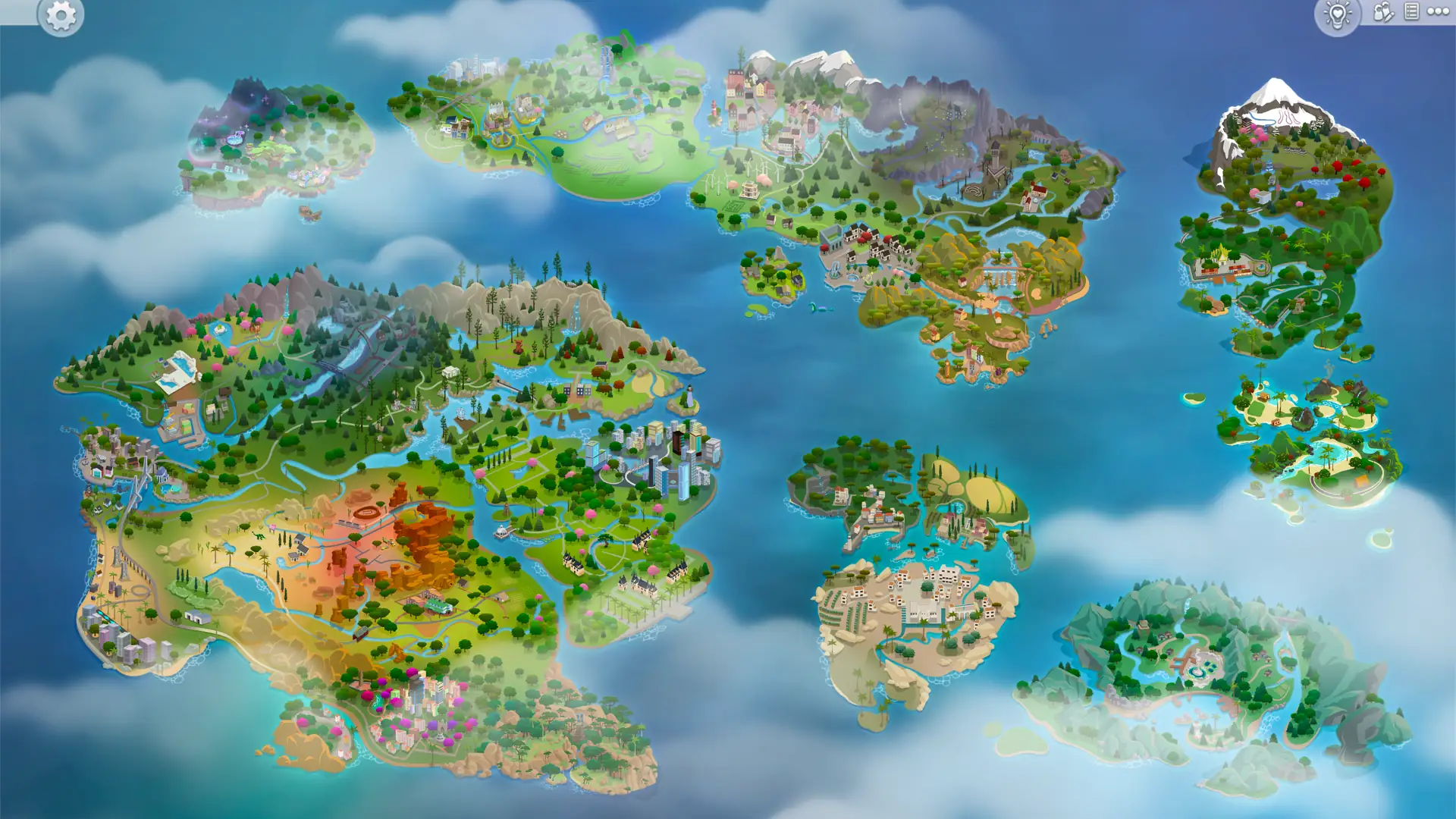
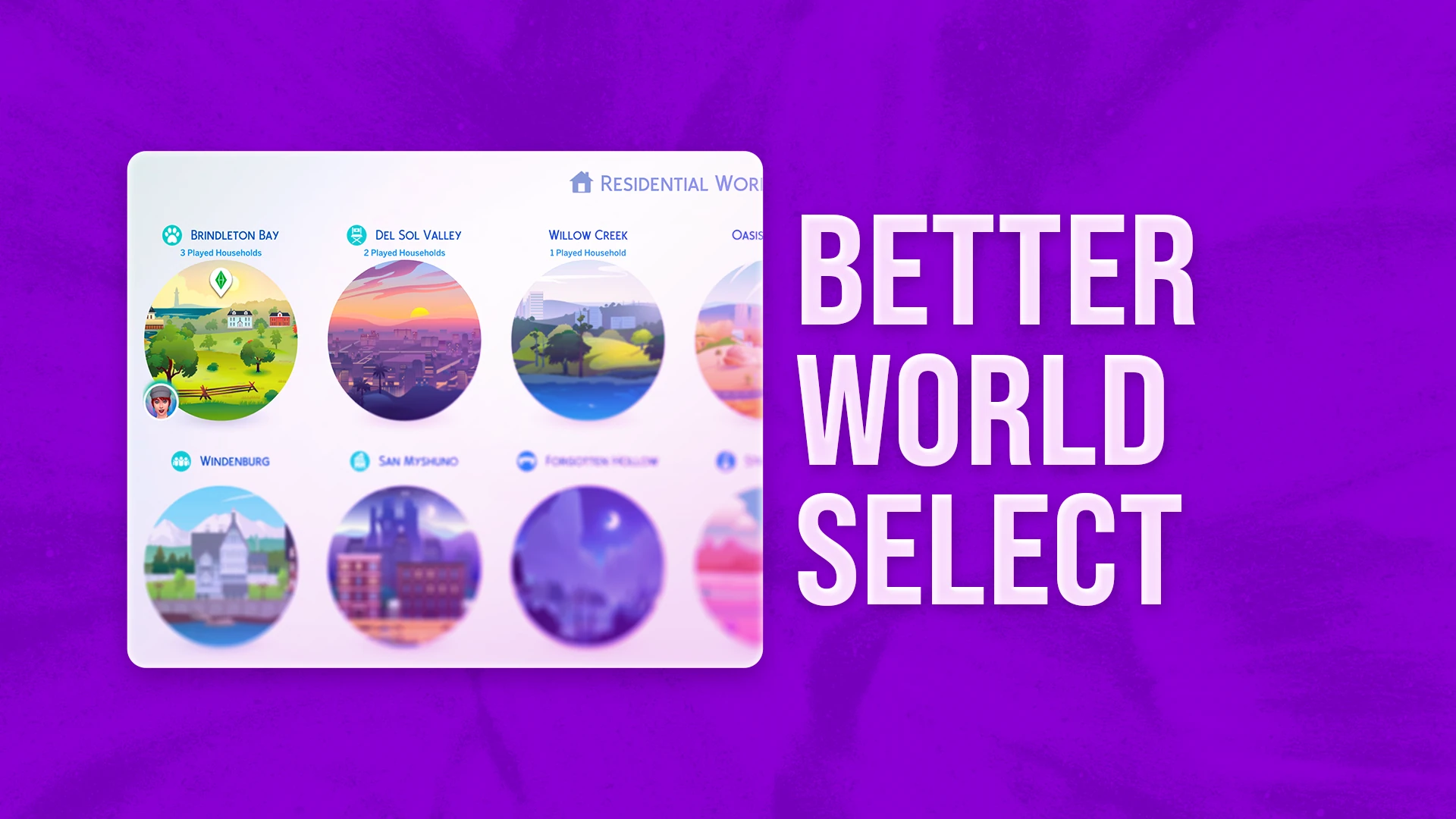
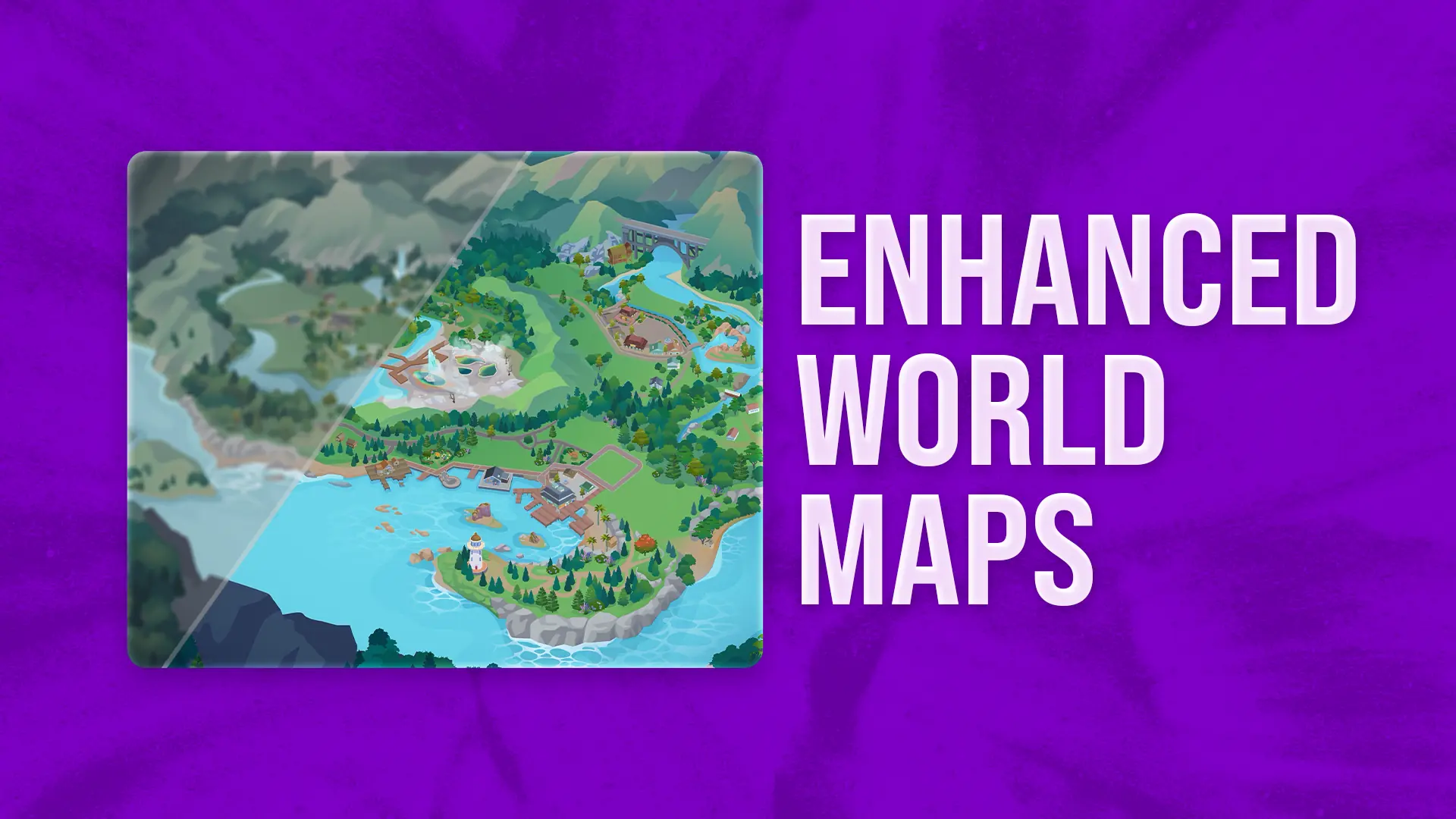
Immersive World Map
A complete overhaul of the World Selection screen, featuring a custom world map design and a seamless layout that connects all Sims 4 worlds together.
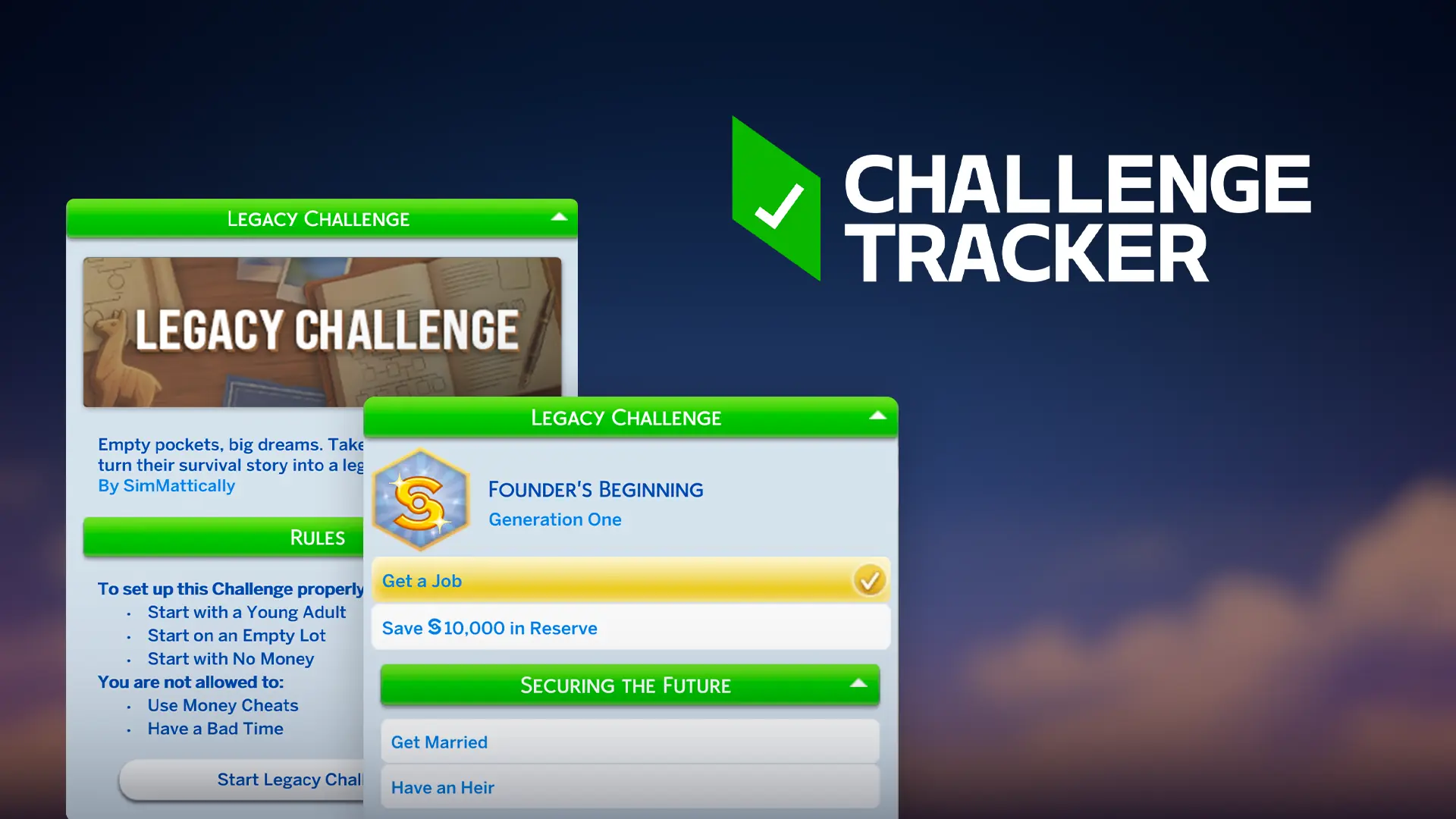
Challenge Tracker
This in-game tracker streamlines your custom Challenge with interactive goal checklists, multi-level progression, and personalized story descriptions to keep your gameplay organized and engaging.
Refreshed Main Menu: Lakeview
Summer-themed main menu override for The Sims 4 with animated details.
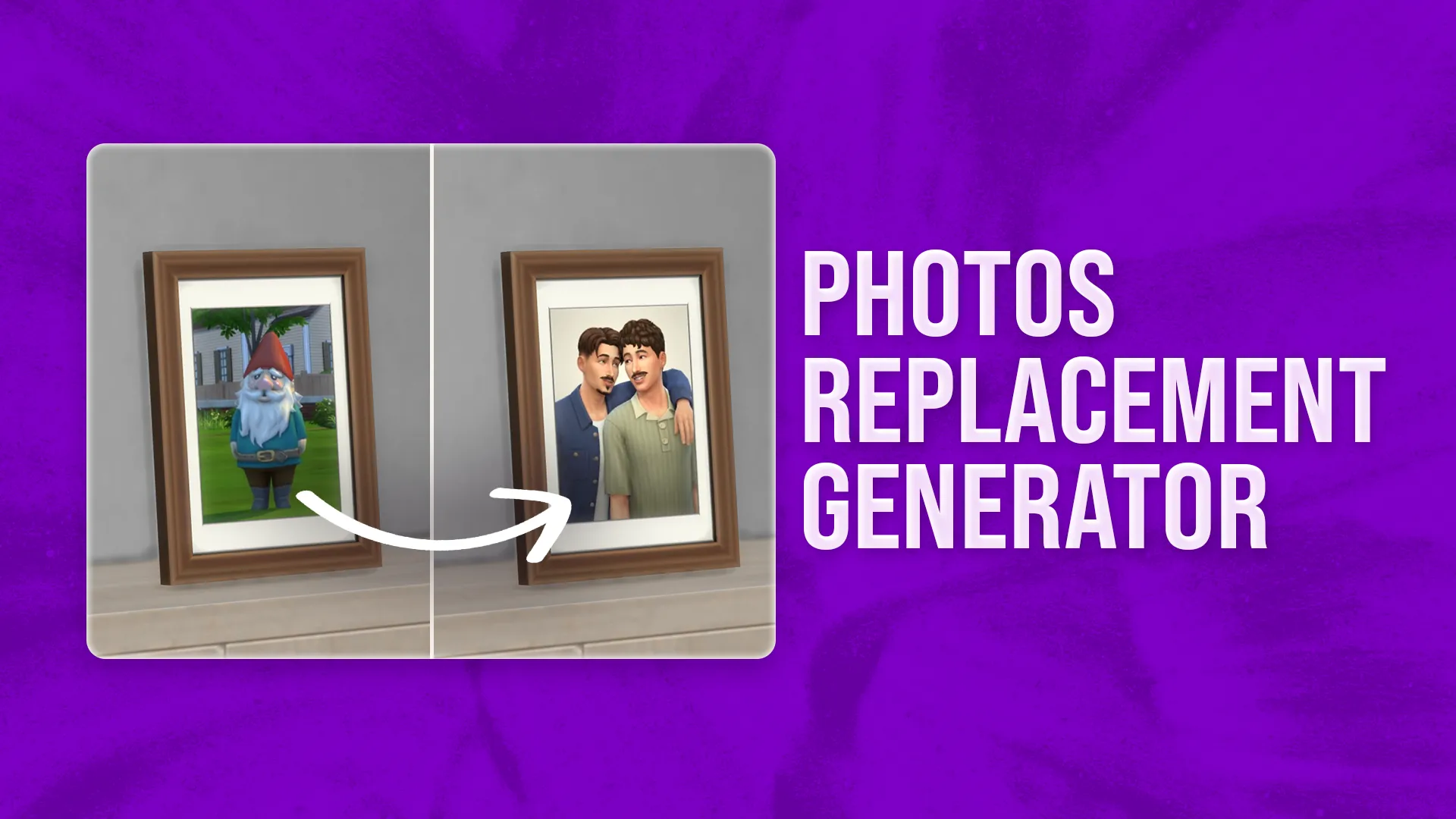
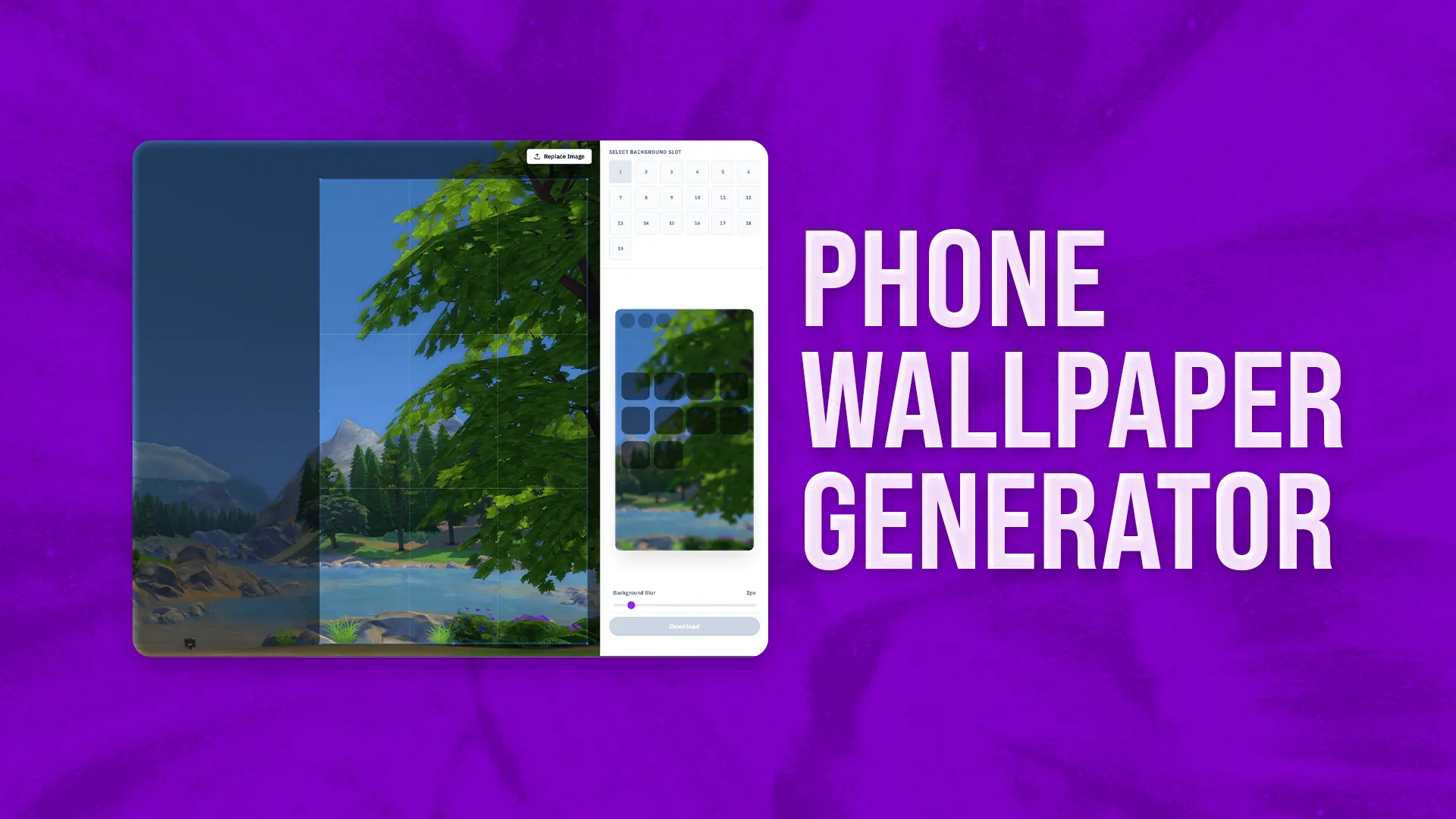
Photos Replacement Generator
Easily replace your in-game photos with custom images.
Family Loading Screen
Dynamically displays your currently played household against a background based on your active world!
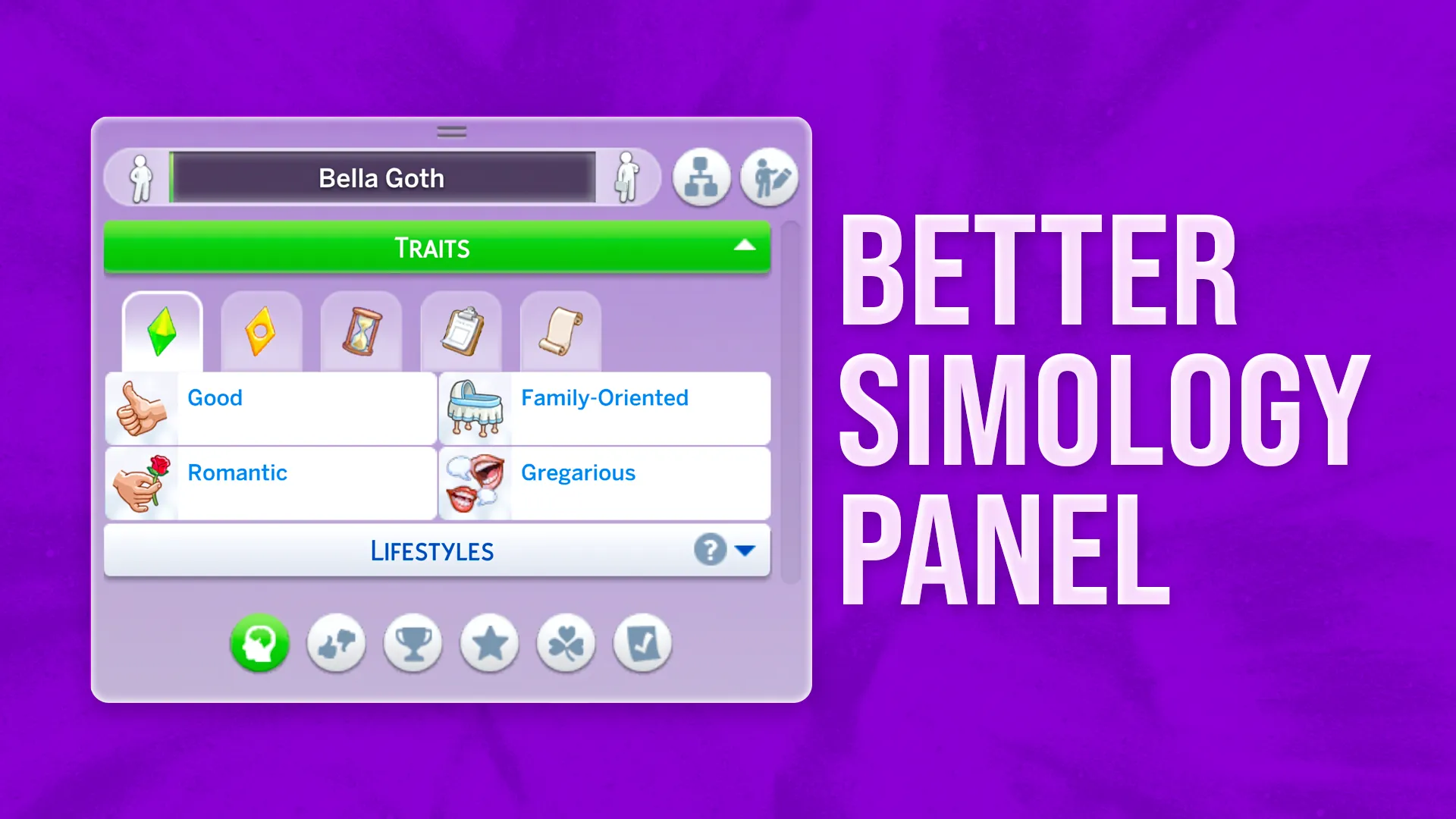
Better Simology Panel
Right at the bottom of the Simology panel, you'll now find five filter buttons.
Memories Loading Screen
Your gameplay screenshots front and center in a cute scrapbook style.
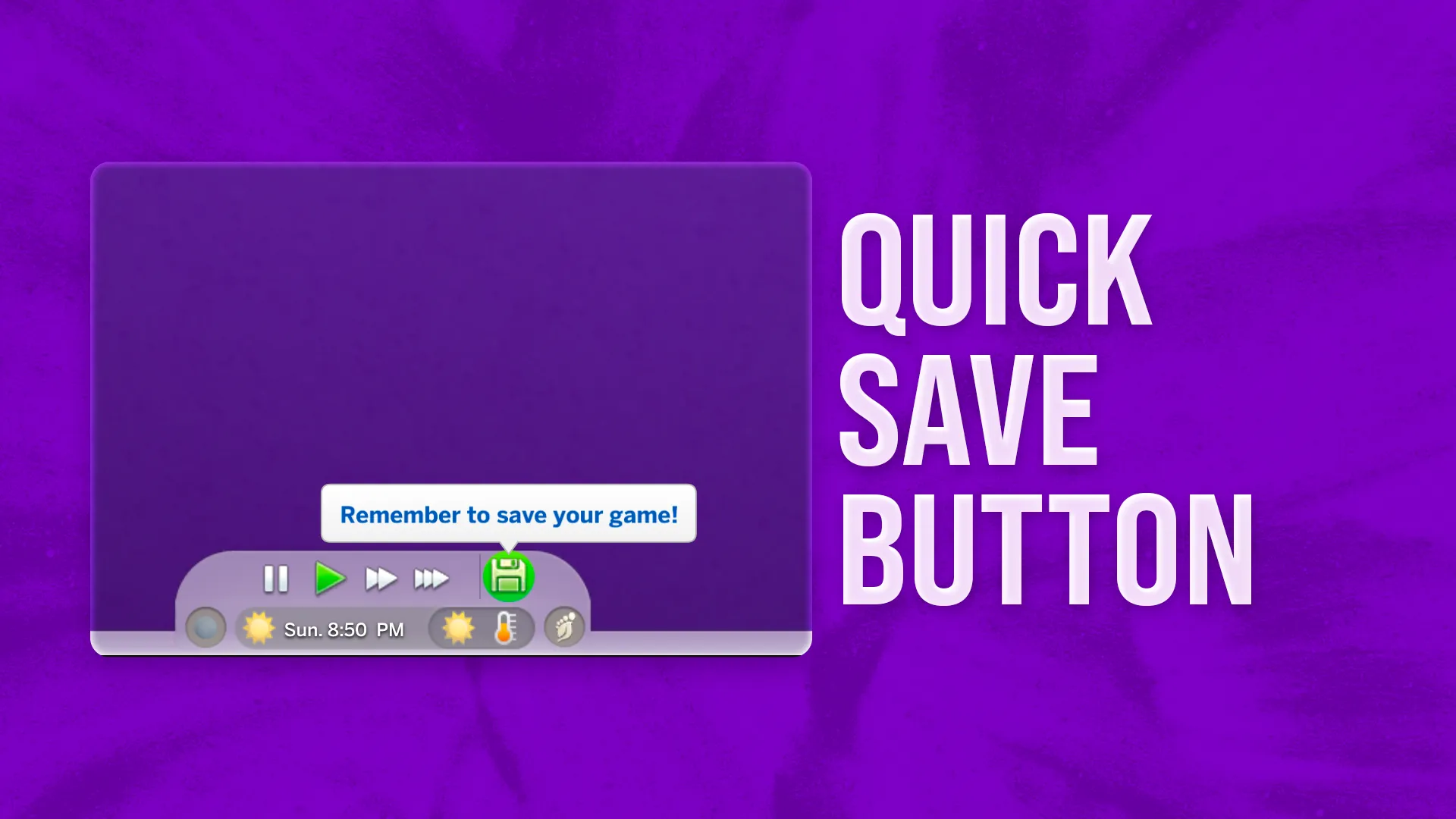
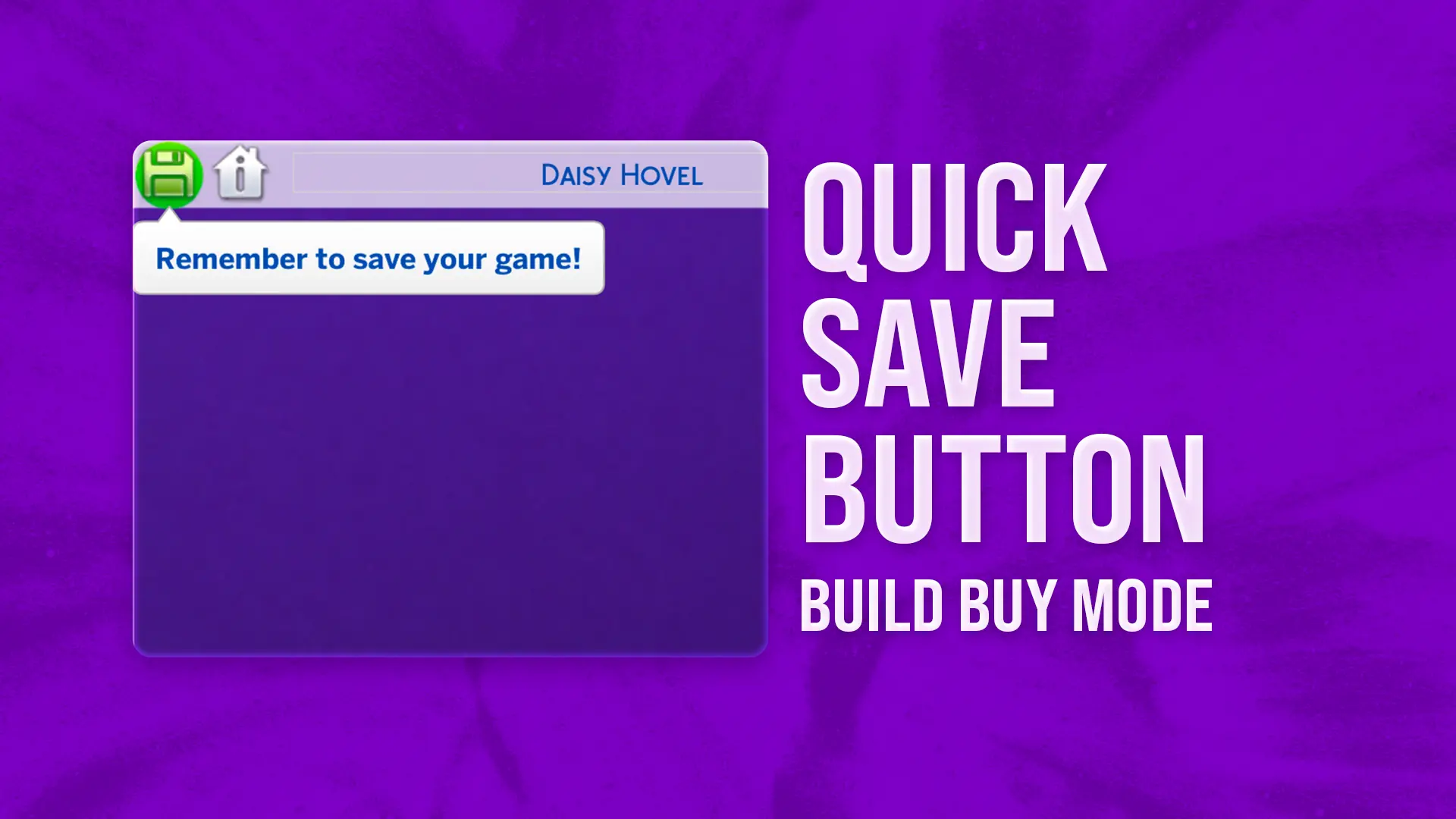
Quick Save Button | Live Mode
Quickly save your game with a new Quick Save button and get reminders to do so.
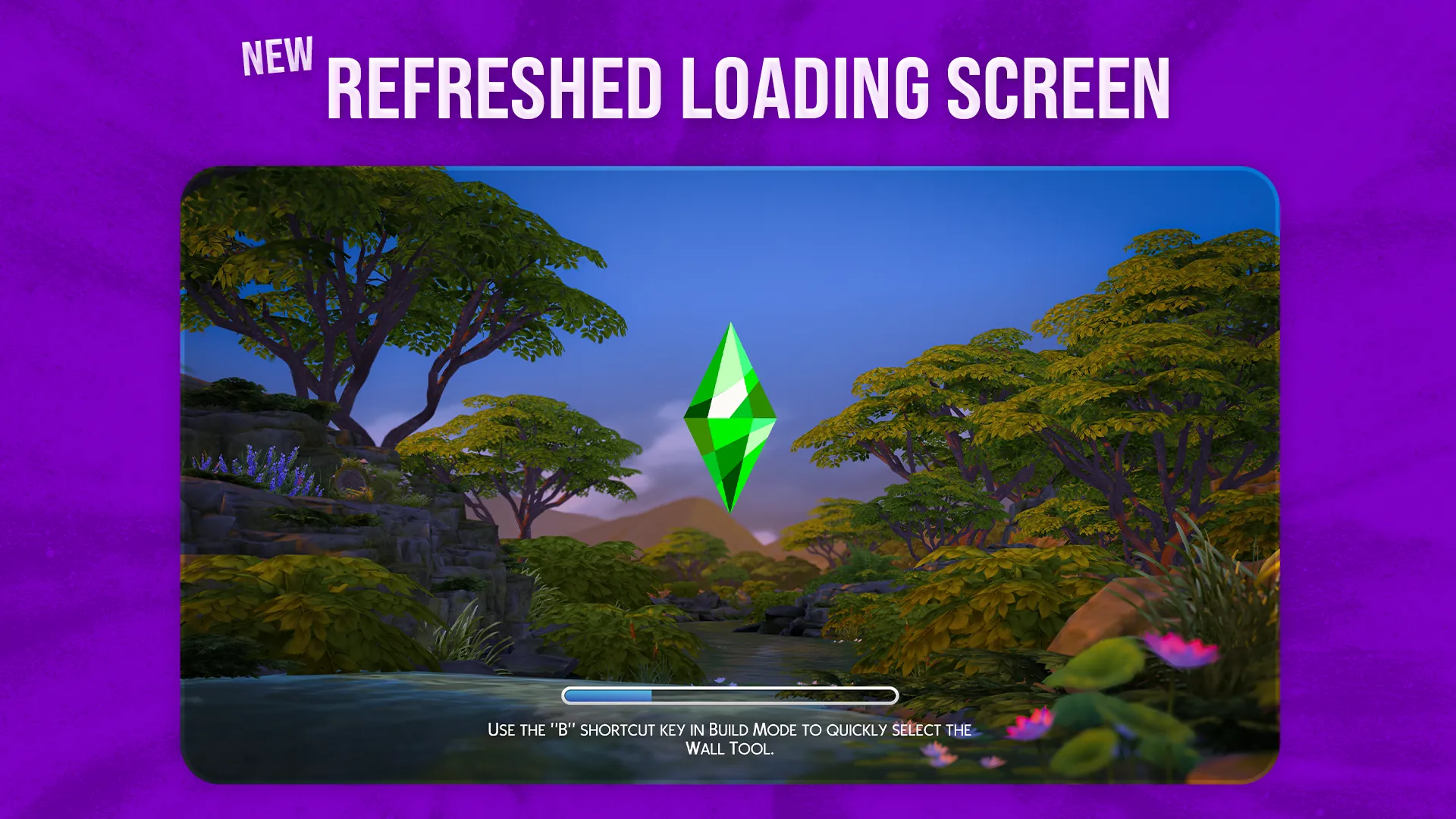
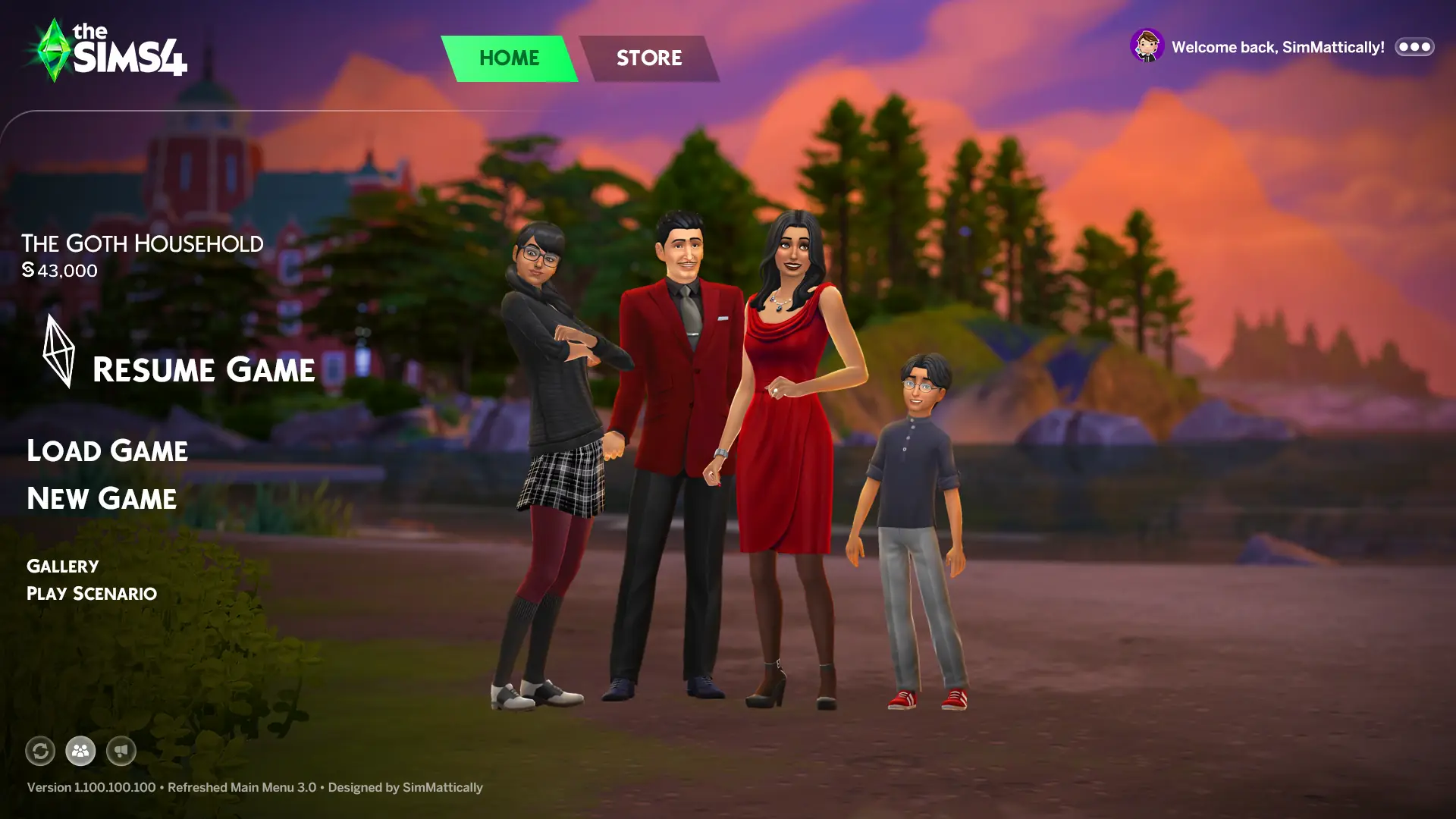
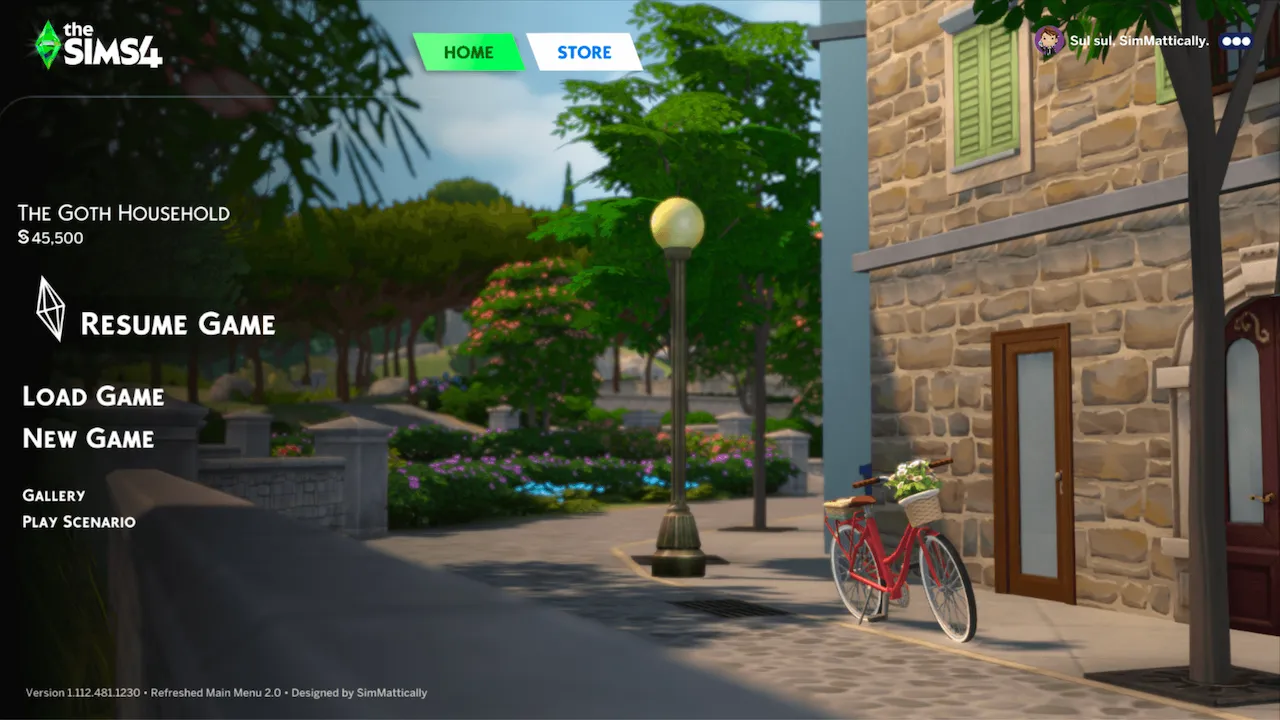
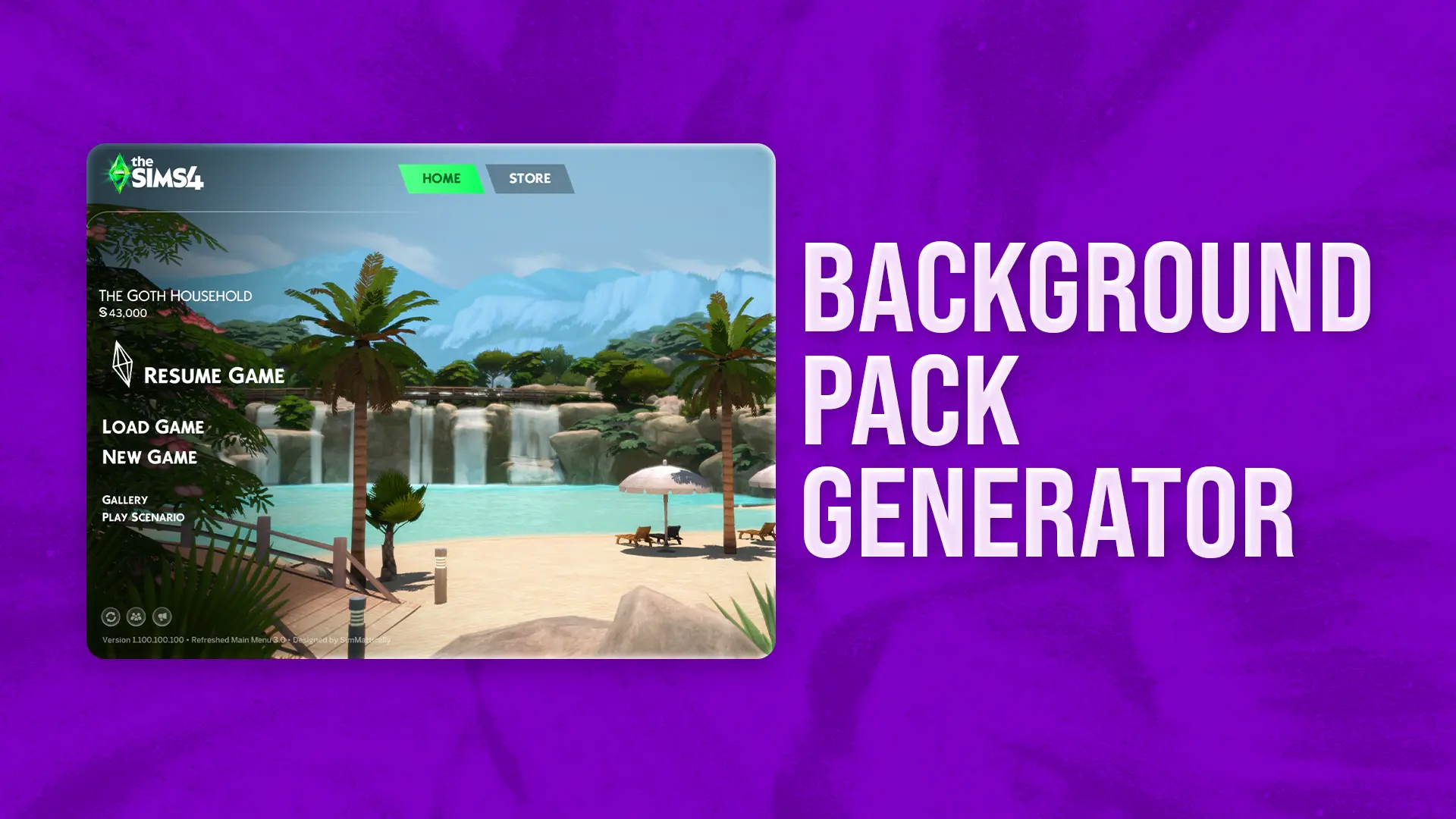
Refreshed Main Menu 3
Tons of quality-of-life improvements and fully modular custom backgrounds that you can create yourself and share — all made to fit your style.
Refreshed Main Menu: Cherry Blossom
Animated main menu with falling sakura petals.
Refreshed Main Menu: Homeview
Animated main menu with a warm, suburban vibe.









No mods found
Try adjusting your search terms.


Hi 👋🏻 I'm Matt, a passionate Sims enthusiast and content creator.
Support My Creations
Get early access to my latest content and help fuel future projects by joining my Patreon community.
Become a Patron